Convert any file, right from Finder.
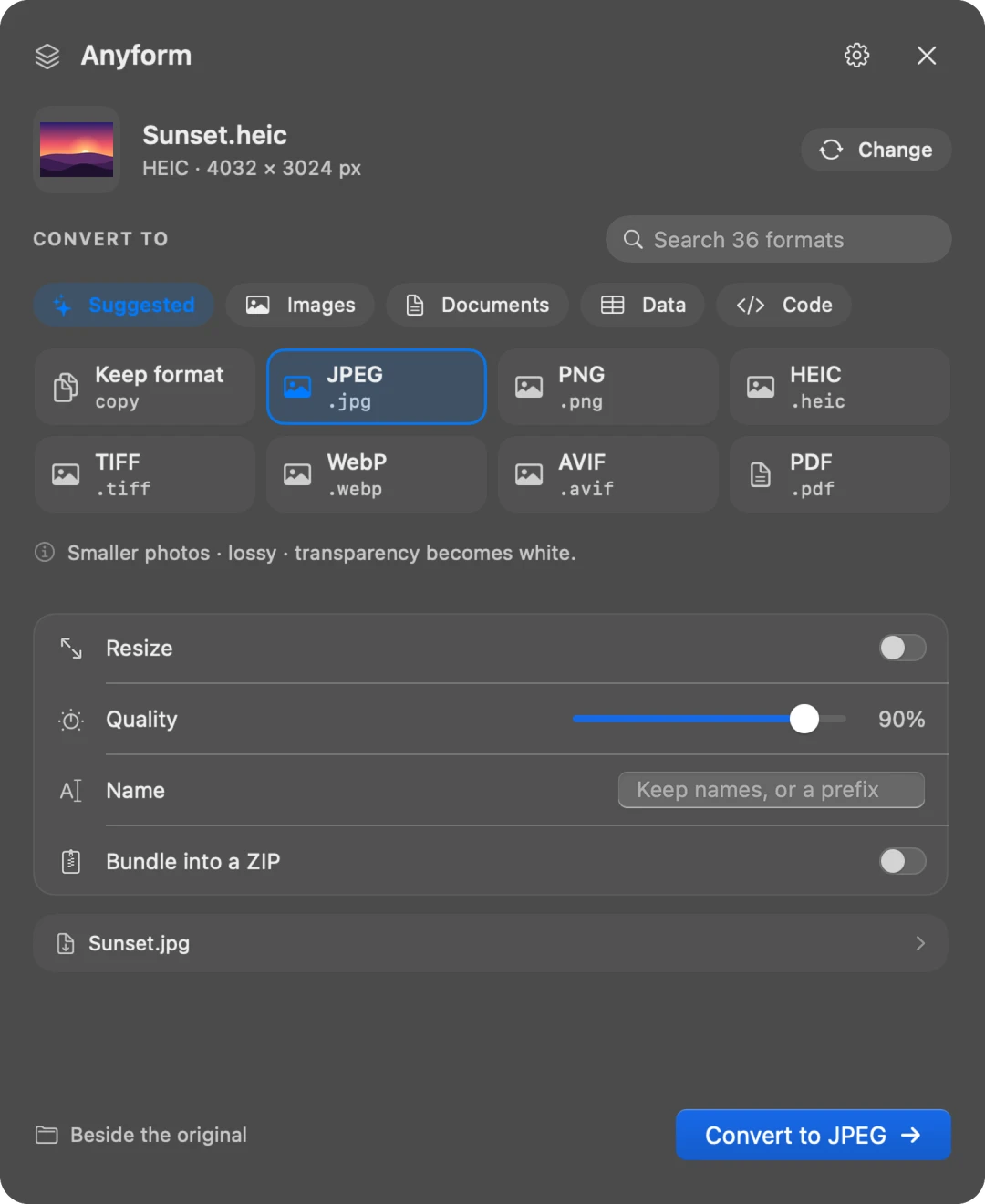
Select files, press ⇧⌘M and pick a format. Anyform reads what each file really contains, offers only the formats it can honestly become, and saves new copies beside your originals. Everything happens on your Mac.
Three steps, no app to open.
Select files in Finder
One file or a hundred: photos, videos, documents, 3D models. Anyform works with whatever you've selected.
Press ⇧⌘M
Or right-click → Services → Convert with Anyform, or drop files on its menu bar icon. A popup appears right where you are.
Pick a format
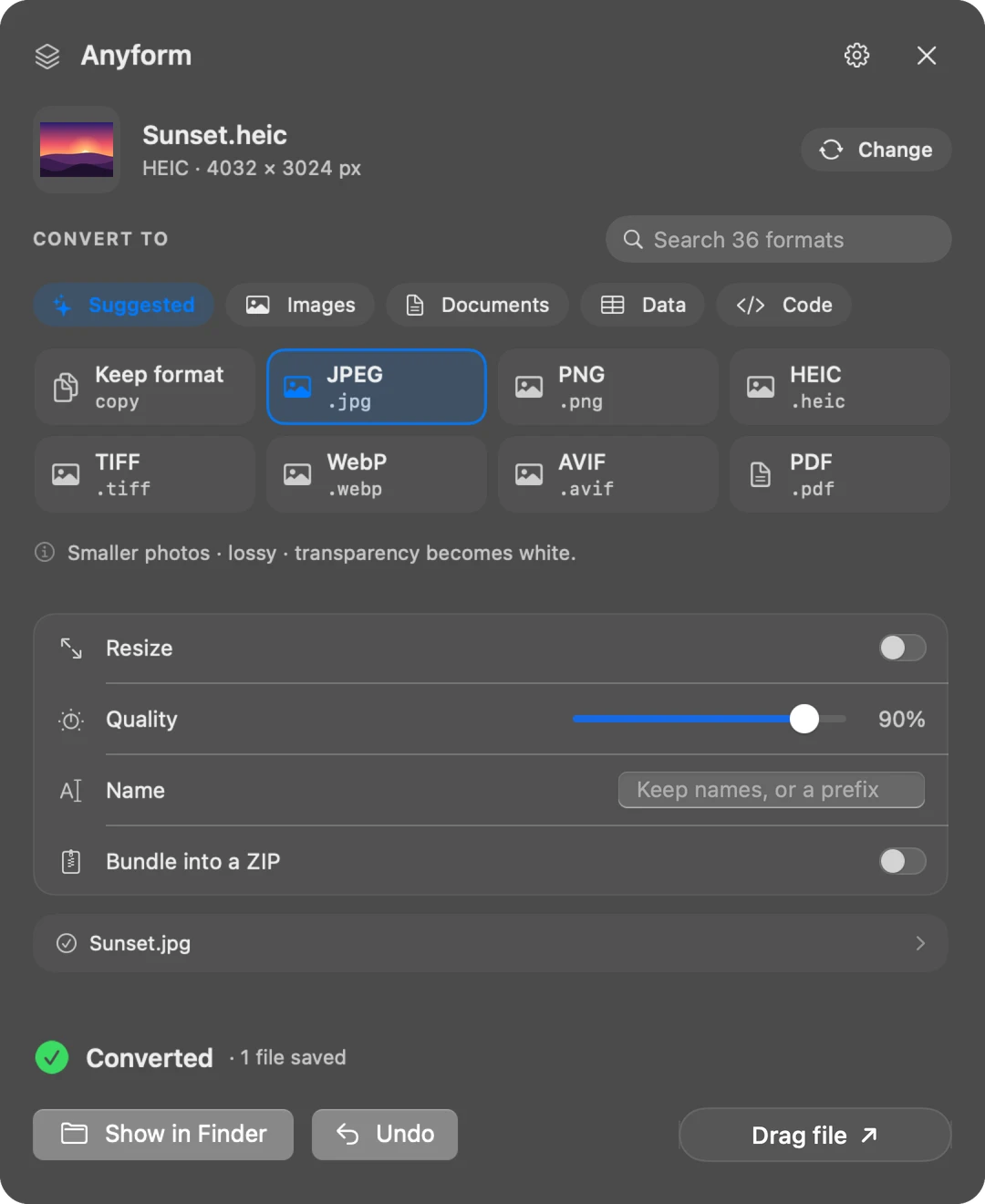
Suggested formats come first. Press Return and the copies appear beside your originals, already selected in Finder.
Hundreds of routes, every one real.
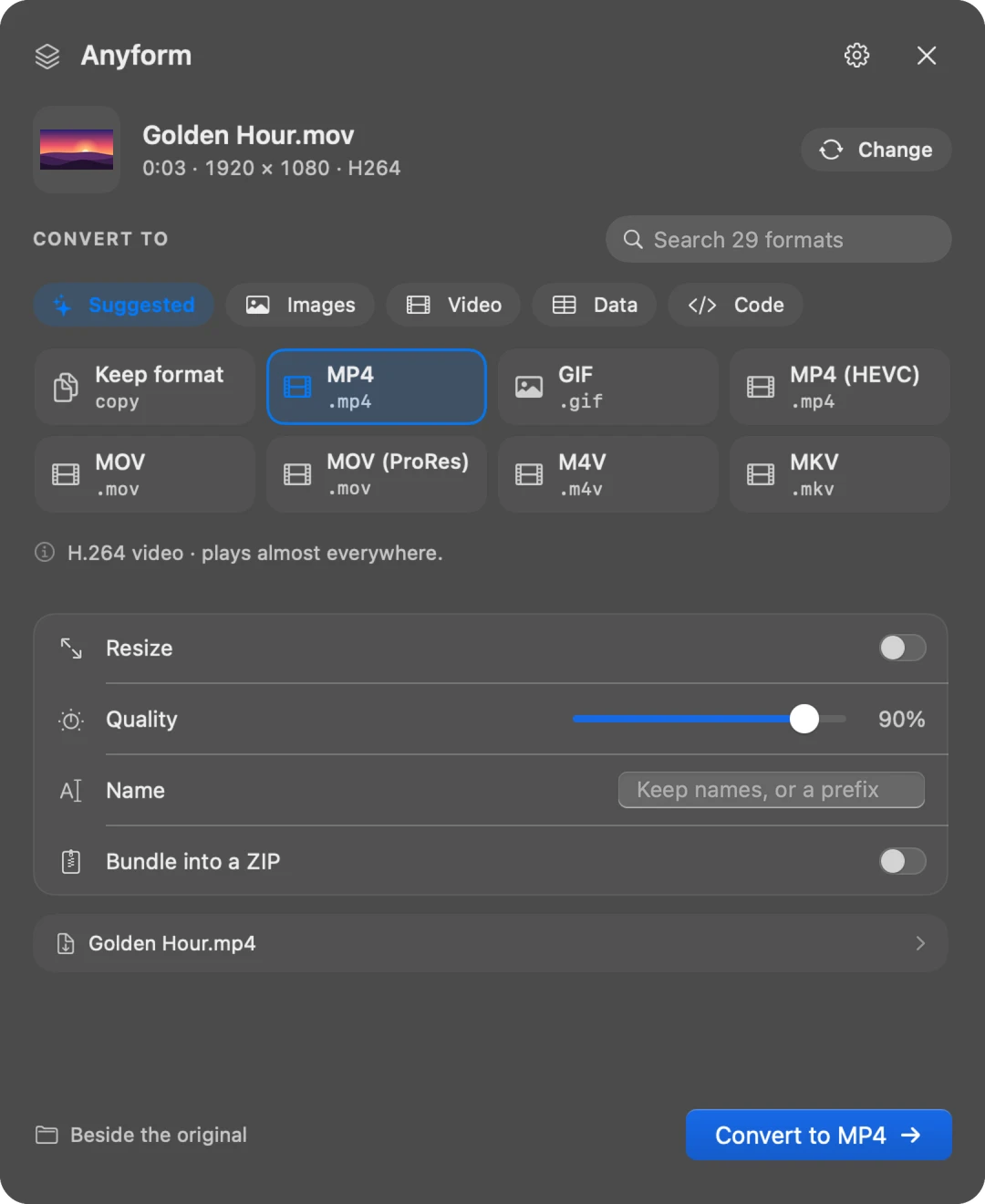
Anyform checks each file's contents, not just its name, and shows only conversions that work. When a route loses something, like the picture in video → audio, it says so before you start.
Photos & images
HEIC, JPEG, PNG, WebP, AVIF, TIFF, GIF, SVG, PSD layers, icons, app icon sets and favicon packs.
Video
MOV, MP4, HEVC, ProRes, MKV, WebM and GIF. Join clips, add subtitle tracks or pull out the audio.
Audio
MP3, AAC, M4A, WAV, AIFF, FLAC, ALAC, Opus and Ogg, plus ringtones and waveform pictures.
Documents
Word, Pages, OpenDocument, RTF, Markdown, HTML, LaTeX and plain text, laid out as PDFs or each other.
PDFs
Pages to images, combine, split, shrink, or make scanned PDFs searchable with on-device text recognition.
Spreadsheets & data
Excel, Numbers, CSV, JSON, YAML, XML and SQLite, plus types for TypeScript, Swift, Go and more.
3D models
STL, OBJ, USDZ, glTF, PLY, 3MF and FBX, ready for 3D printing, AR Quick Look or the web.
E-books & slides
EPUB, Kindle MOBI, comics and Keynote or PowerPoint decks, to PDF, images or text.
And the rest
Archives, fonts, subtitles, emails, contacts, calendars, maps, certificates and more.
Feels like part of macOS.
A native popup with a format gallery, live previews of the names it will save, and calm, complete states for every step.
Small app, serious engine.
Private by design
Every conversion runs on your Mac, even office documents and video. No uploads, no account, no analytics.
Originals untouched
Copies are saved beside your files. A name that's taken gets a number; nothing is ever overwritten.
Undo
Changed your mind? ⌘Z moves the new copies to the Trash. Your originals were never touched.
Batches and combining
Convert a hundred files at once, combine PDFs and images into one PDF, join clips or make a slideshow.
Lives in your menu bar
Drop files on the icon, follow progress, reopen recent results and get a notification when long jobs finish.
Keyboard first
⇧⌘M to open, type to search formats, arrow keys to choose, Return to convert, Esc to close.
Free, with every format.
No trial, no locked formats, no ads and no account. Anyform is made independently and kept going by people who choose to support it.
Everything included
Photos, video, audio, documents, PDFs, spreadsheets, 3D models and the rest. Every conversion, on every Mac you own.
Donations will open at launch. They are optional and change nothing in the app.
Specifications
- Requires
- macOS 14 Sonoma or later, Apple silicon
- Price
- Free. Optional donations support development.
- Download
- About 430 MB. The office and media engines are built in, so conversions work offline with nothing else to install.
- Works from
- Finder (⇧⌘M or Services), the menu bar icon, or by dropping files on the Anyform window
- Permissions
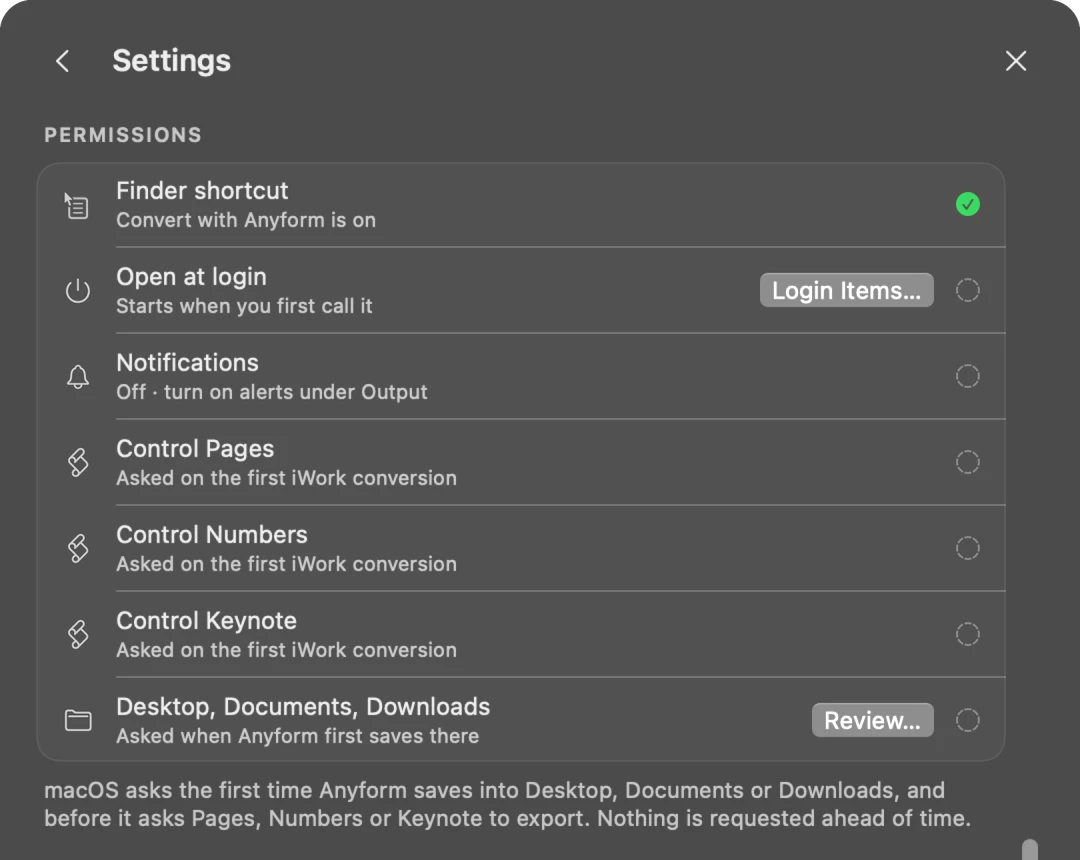
- Asked only when needed: saving into Desktop, Documents or Downloads, and Pages, Numbers or Keynote for iWork files
- Internet
- Only to check for updates, and only if you allow it
- Open source inside
- FFmpeg (LGPL) and LibreOffice (MPL), credited in the app
- Data collected
- None
Questions
Where is Anyform after I open it?
In your menu bar, not the Dock. Select files in Finder and press ⇧⌘M, right-click and choose Services → Convert with Anyform, or drop files on the menu bar icon.
Are my files uploaded anywhere?
No. Every conversion happens on your Mac, including office documents and video.
Does it change my original files?
Never. New copies are saved beside the originals, and an existing file is never replaced.
Is it really free?
Yes. Every conversion is free, with no trial, no ads and no account. If Anyform saves you time, you can support it with a donation; it changes nothing in the app.
Why is the download so large?
The office engine and the media engine are built in, so Word, Excel, PowerPoint and video conversions work offline without installing anything else.
Be the first to know.
Our apps are in development. Leave your email and we'll send one message when your pick is ready to download. No newsletter and no spam.